Fish Spins login – accessing your casino account
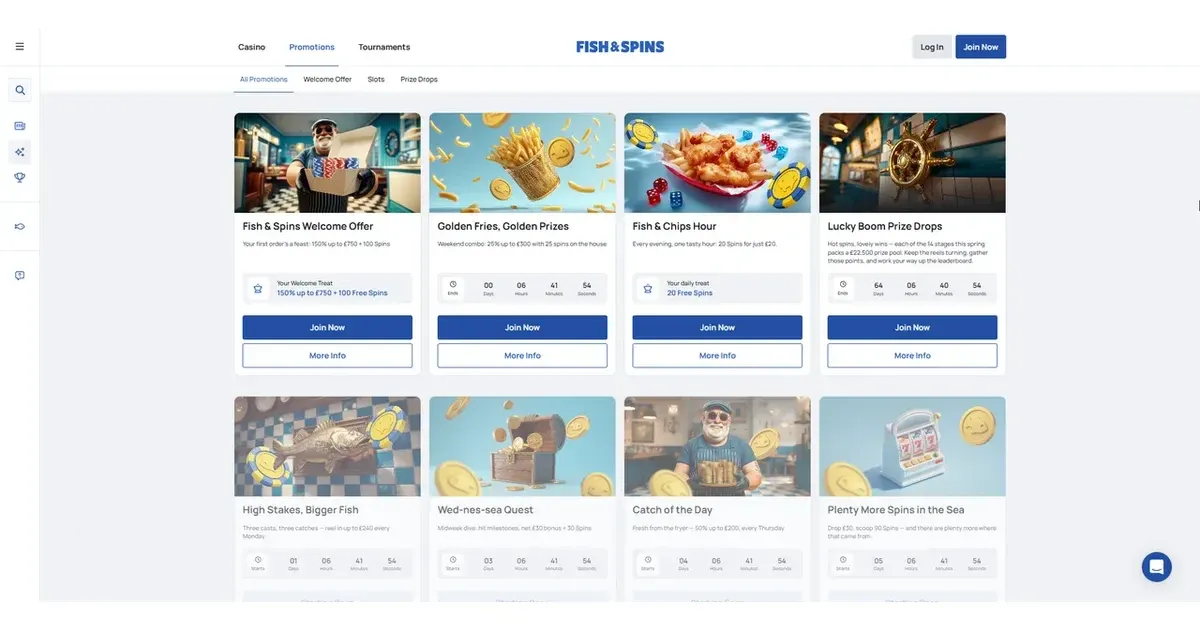















This page explains how signing in works at Fish Spins, what happens when it does not, and where to turn when you need help. We run an independent information portal — your casino account, your deposit history, and your play records all live with the operator, not with us, and only Fish Spins can access, restore or unblock them.
Who holds your account
When you register at Fish Spins, the operator creates your account on their own platform. We publish information about how the site works; we do not operate it, we cannot see your balance, and we have no access to your username or password. Any account question — a forgotten credential, a failed login, a withdrawal held for checks — goes to the operator's support team, not to this portal.
Resetting a forgotten password
Fish Spins provides a password recovery route on its own sign-in screen. Look for the "Forgot password?" or "Reset password" link beneath the login fields, enter the email address you registered with, and the operator will send a reset link to that inbox. Follow the link, choose a new password, and you are back in. The reset email usually arrives within a few minutes; check your spam folder if it does not appear.
If the reset link does not arrive, or the email address you have access to differs from the one you registered with, contact the operator's support directly. We cannot retrieve or change your password from this site.
The sign-in route
Signing in at Fish Spins takes two pieces of information: the email address you gave when you registered, and the password you set. The login button sits in the top-right corner of the homepage on desktop; on a phone it is usually behind a menu icon. Enter your credentials, and you are through to your account page, where your balance, your active bonuses, and your deposit and withdrawal options all live.
The operator runs a browser-based casino, so there is no separate app to download — you sign in through the same site on any device.
Why a login is refused
Most failed logins come down to a handful of causes. You have mistyped the password, or caps lock is on. The email address you are using does not match the one you registered with. Your browser has cached an old session and needs clearing. The account is awaiting identity verification before you can withdraw, and the operator has placed a temporary hold. Less commonly, the account has been closed under self-exclusion, or the operator has restricted it following a terms breach.
If you have tried the password reset route and the login still fails, the block is deliberate rather than accidental, and only the operator's support can explain why it is in place.
When the restriction is intentional
An account closed under self-exclusion stays closed for the full period you requested, and that is by design — the cooling-off period exists to protect you, not to be worked around. If you are unsure whether a self-exclusion is active, or you need support with gambling, free and confidential help is available in the UK through GamCare (0808 8020 133, 24/7) and BeGambleAware at begambleaware.org.
Getting help
For any account access problem — a forgotten password that will not reset, a block you do not understand, a verification request holding up a login — the operator's support is the right door. Live Chat is open around the clock, or you can write to the operator directly. Questions about the content on this portal can be sent to [email protected], but account access sits with Fish Spins, not with us.
This site is for players aged 18 and over (18+). If gambling ever stops feeling like entertainment, free and confidential help is available at BeGambleAware.org.
Last updated:
Game Providers